Cisco Tech Talk: Cisco Catalyst 1000 and 1300 Voice VLAN Configuration Differences - Part 1
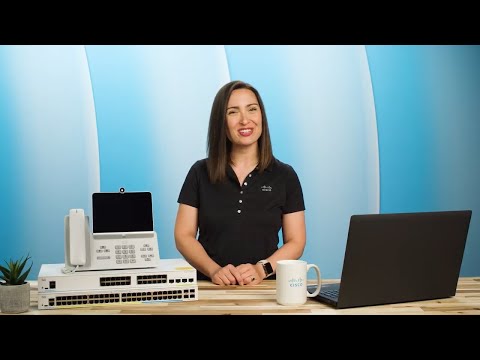
Configuring voice VLANs on Cisco Catalyst switches enhances call quality by separating voice data from other traffic, with differences in setup between Catalyst 1000 and newer 1200/1300 series due to their distinct operating systems and functionalities.
MAIN POINTS FROM TRANSCRIPT
- Voice VLANs improve call quality by segregating voice data from other network traffic.
- Catalyst 1000 uses classic Cisco IOS, supporting basic VLAN setup via CLI commands.
- Catalyst 1200/1300 switches use a customized Linux OS, offering advanced traffic management.
- Configuration differences include access mode for Catalyst 1000 and trunk mode for Catalyst 1200/1300.
TAKEAWAYS
- Understanding network setup is crucial before configuring voice VLANs on any switch.
- Catalyst 1200/1300 switches allow for dynamic routing and auto surveillance VLANs.
- CLI commands are essential for configuring VLANs and checking port status and connections.
- Trunk mode on newer switches carries all VLANs, tagging both data and voice VLANs.